Tropea Video Creation Process#
Transform raw recordings into polished, professional videos with Tropea. This guide outlines how to efficiently enhance videos by removing filters, synchronizing with clicks, and incorporating AI avatars, custom branding, and other features.
Step 1#
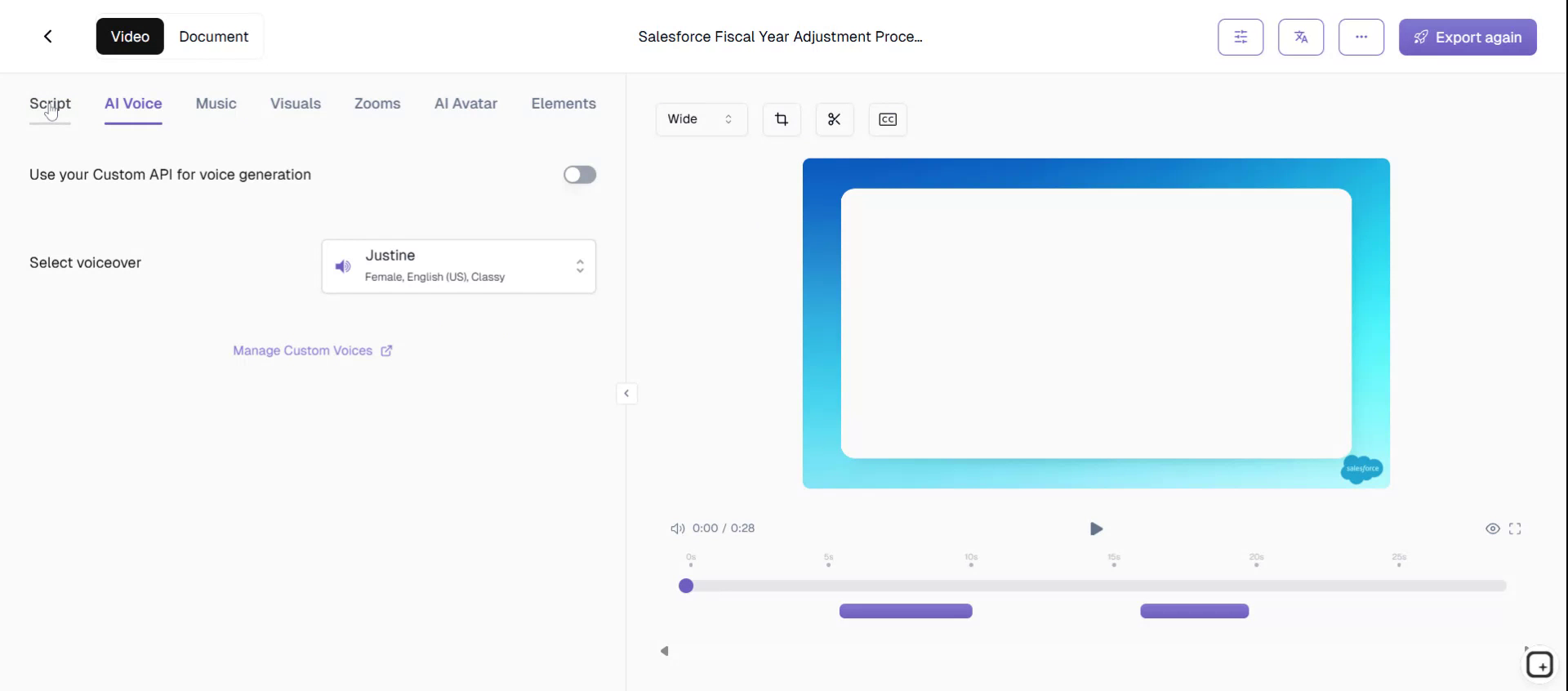
Begin by accessing Tropea for product marketing teams. Create your video directly within Tropea. This tool is designed to efficiently transform raw recordings into polished, professional videos by removing filters and perfectly synchronizing with clicks.
Step 2#
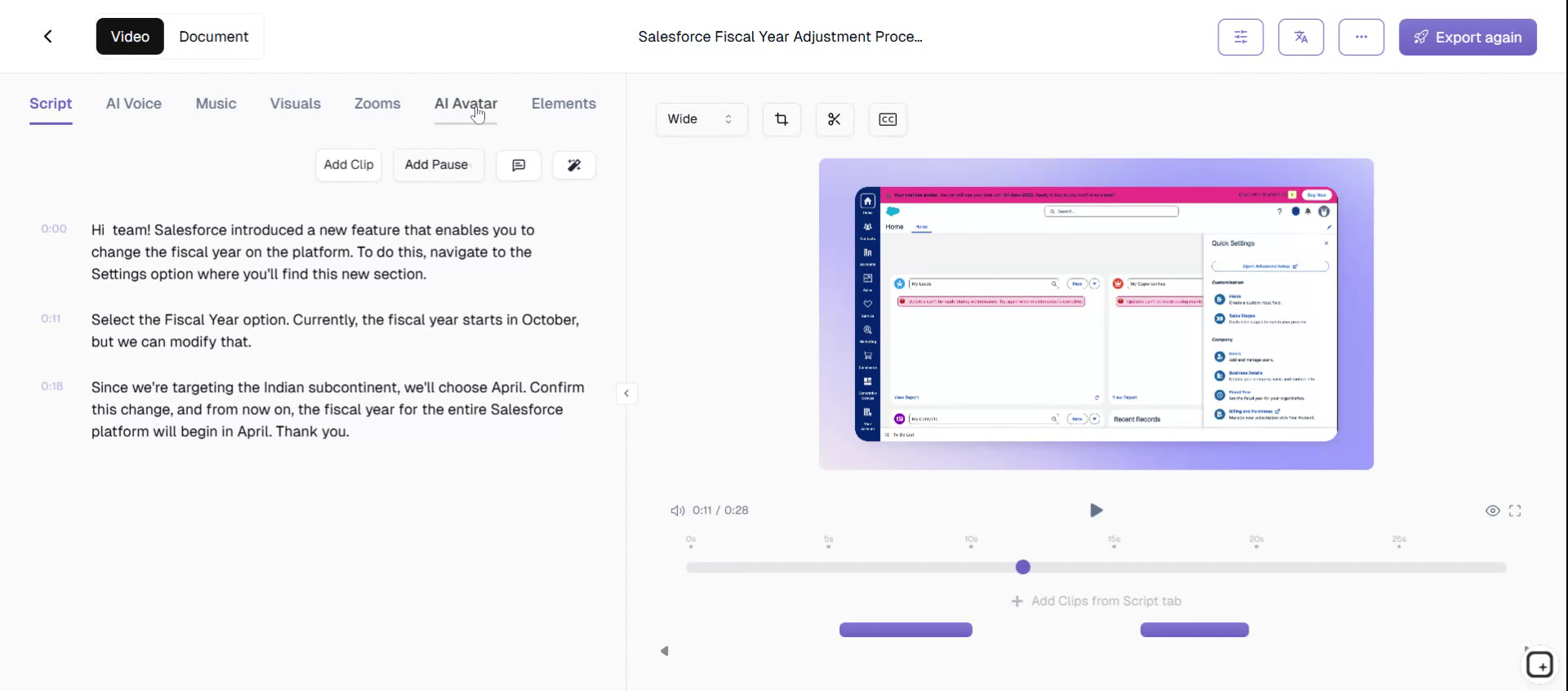
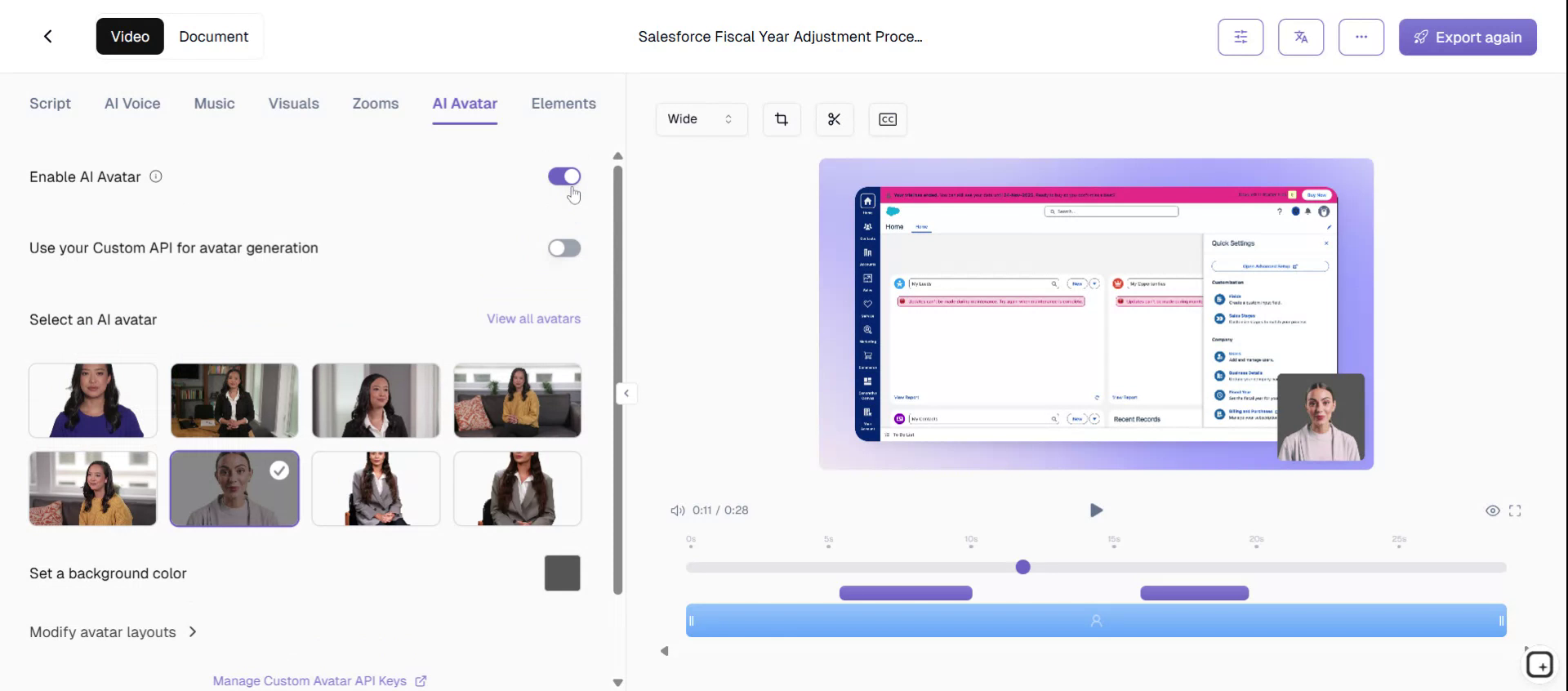
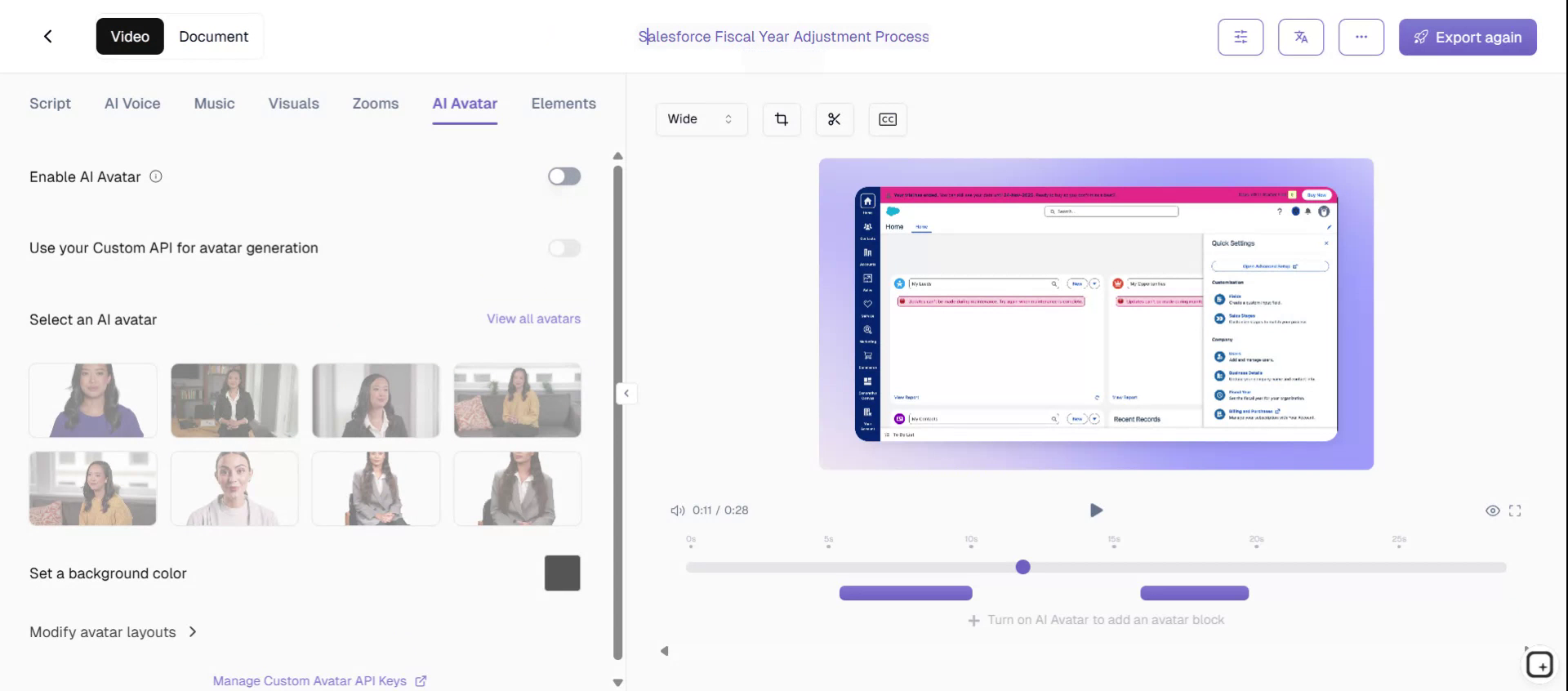
Utilize Tropea's feature to easily add AI avatars to your video, enhancing its engagement and personalization.
Step 3#
Customize your video by creating a custom AI avatar that fits your needs. Additionally, personalize your video with a custom brand kit to ensure consistent branding.
Step 4#
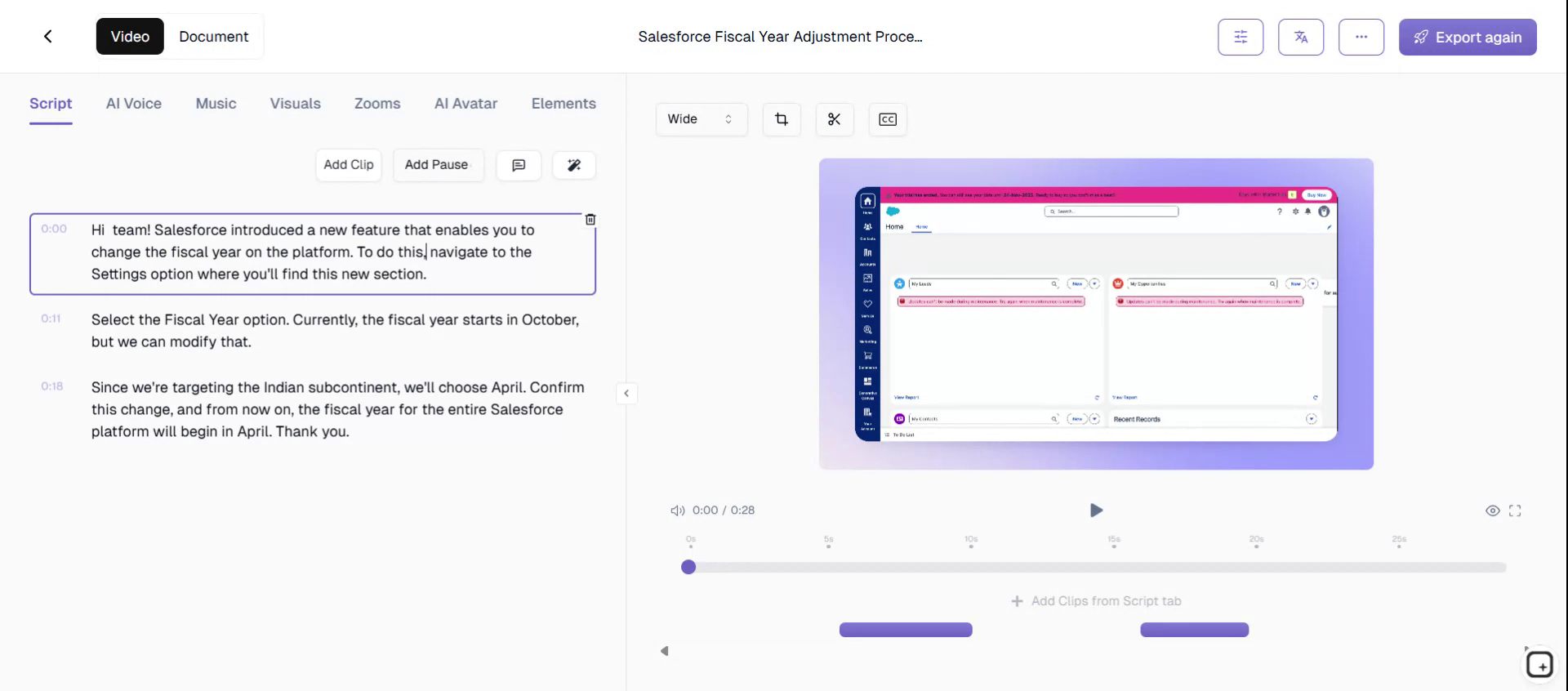
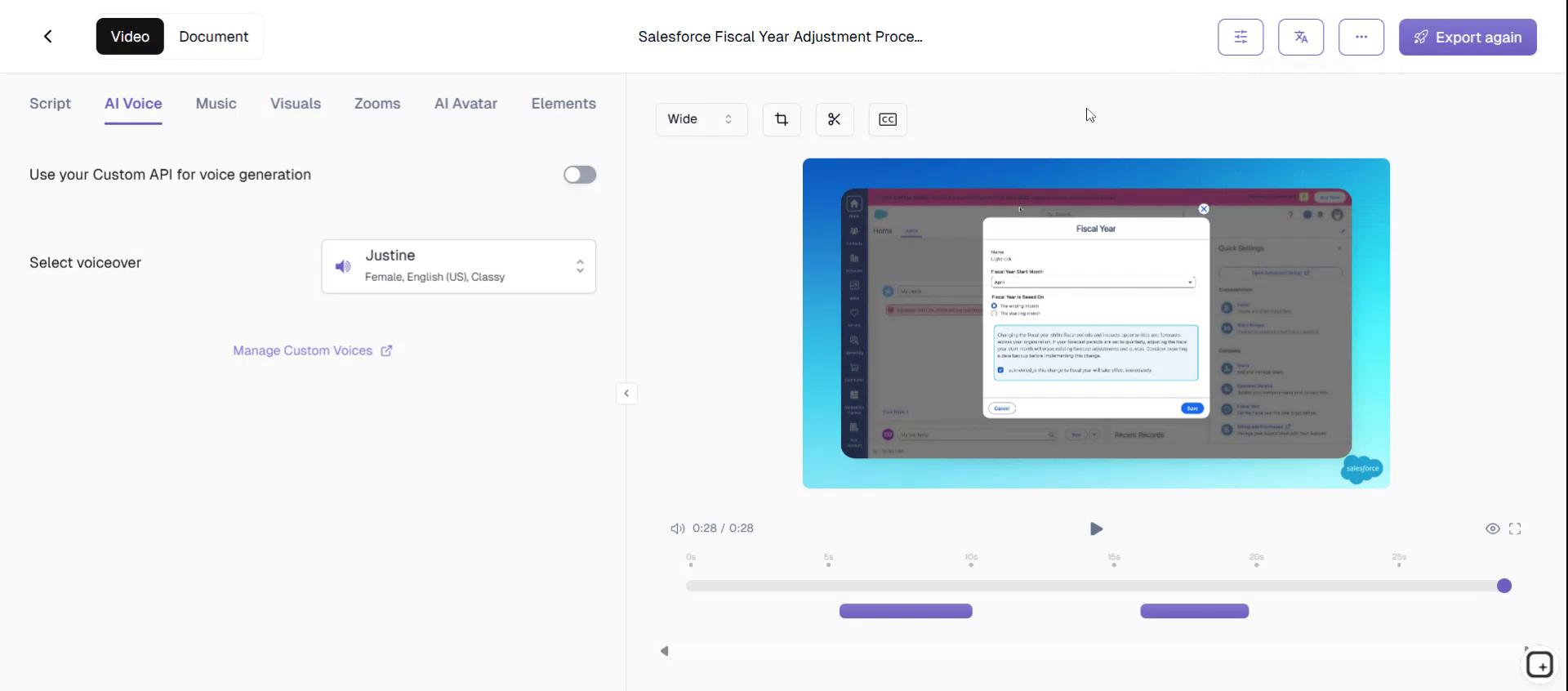
For demonstration purposes, let's work on a Salesforce video today.
Step 5#
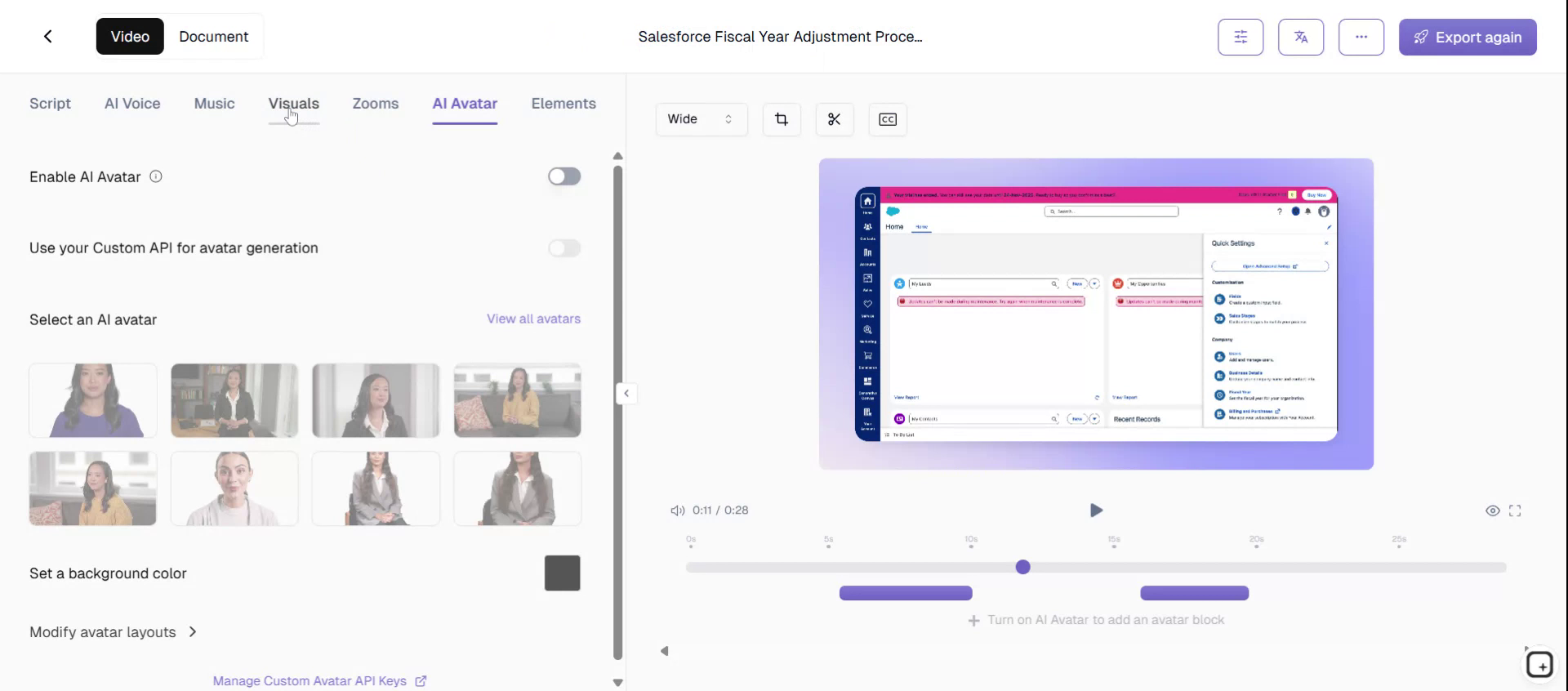
Seamlessly incorporate Salesforce branding into your video to maintain brand consistency throughout the content.
Step 6#
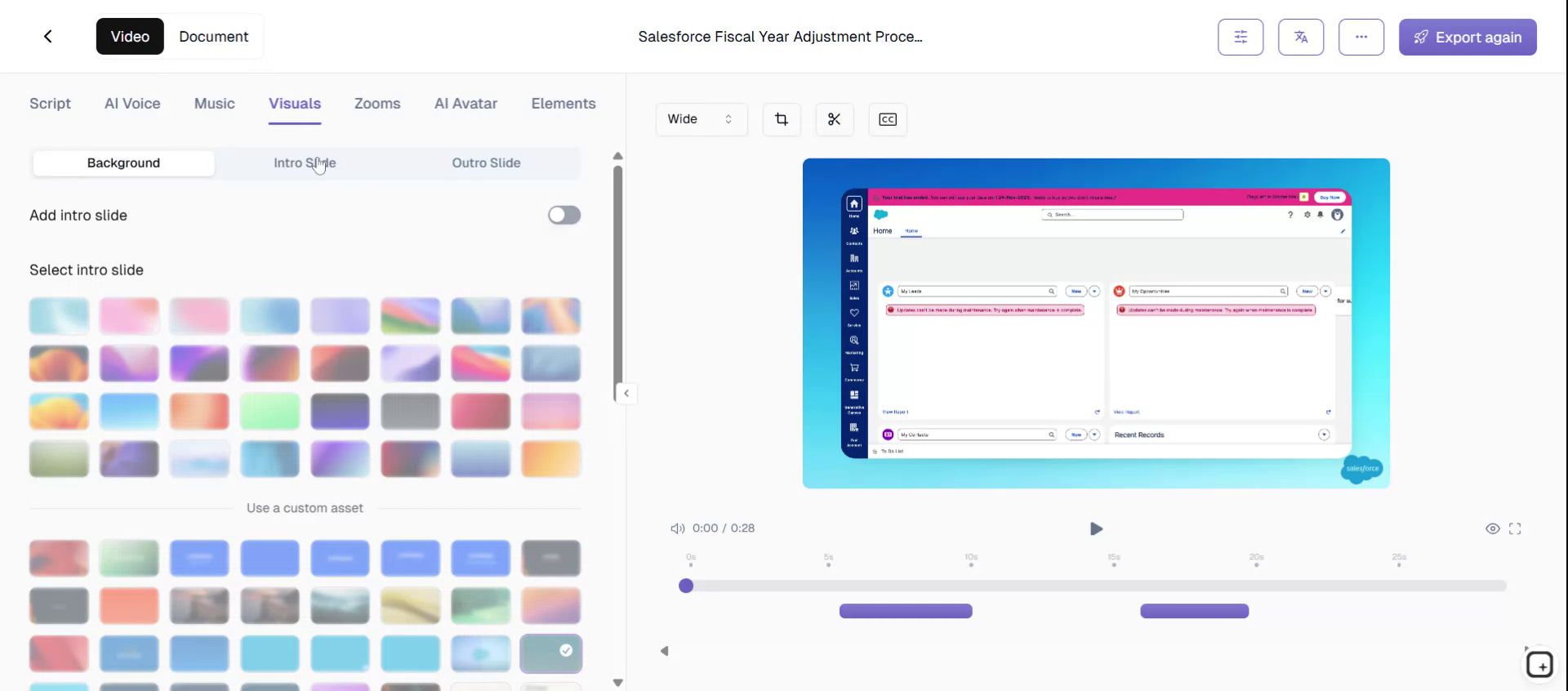
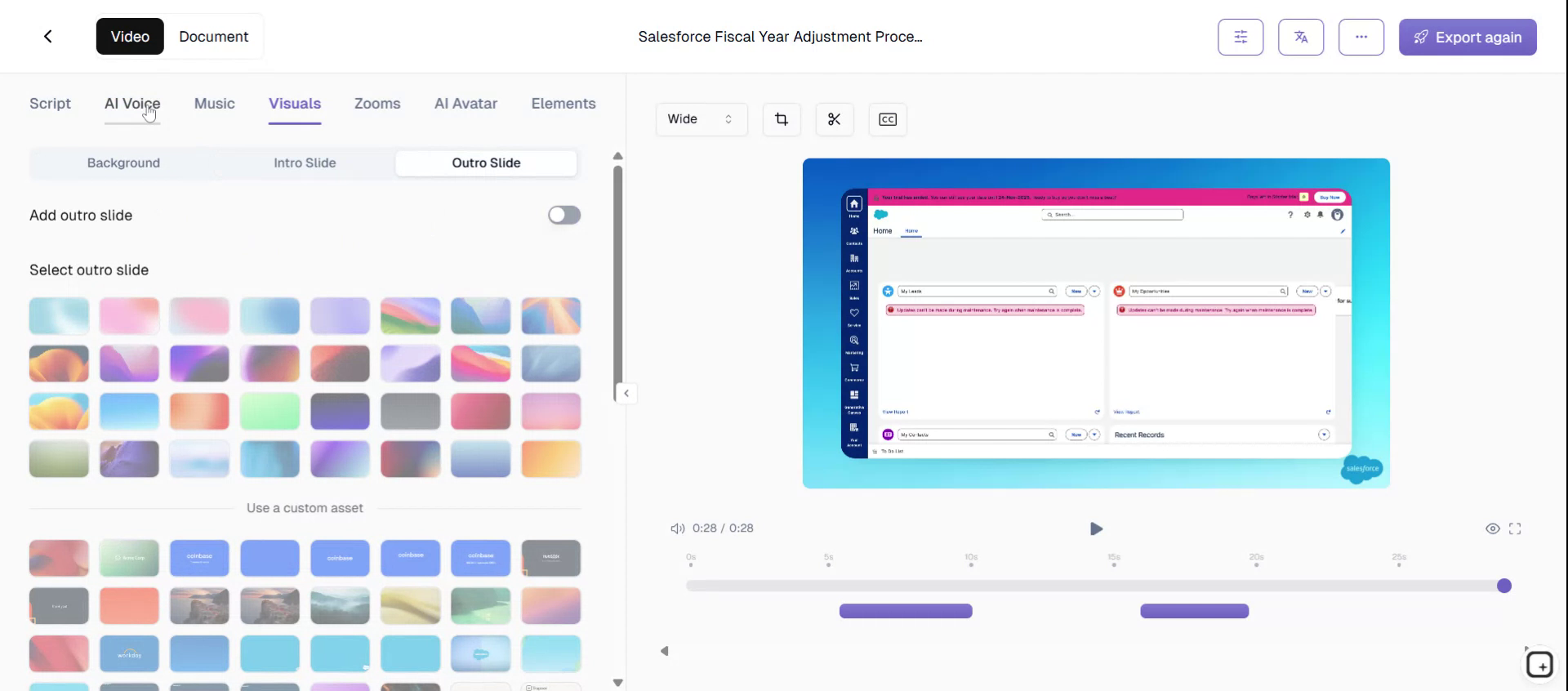
You also have the option to add introductory and closing slides to your video, providing a professional touch.
Step 7#
Tropea offers a selection of one hundred AI voices to choose from, enabling you to repurpose videos for various marketing purposes in multiple languages.
Step 8#
After configuring these settings, you can save them as a template. This template can then be applied to all future video generations, ensuring consistency and efficiency.
Step 9#
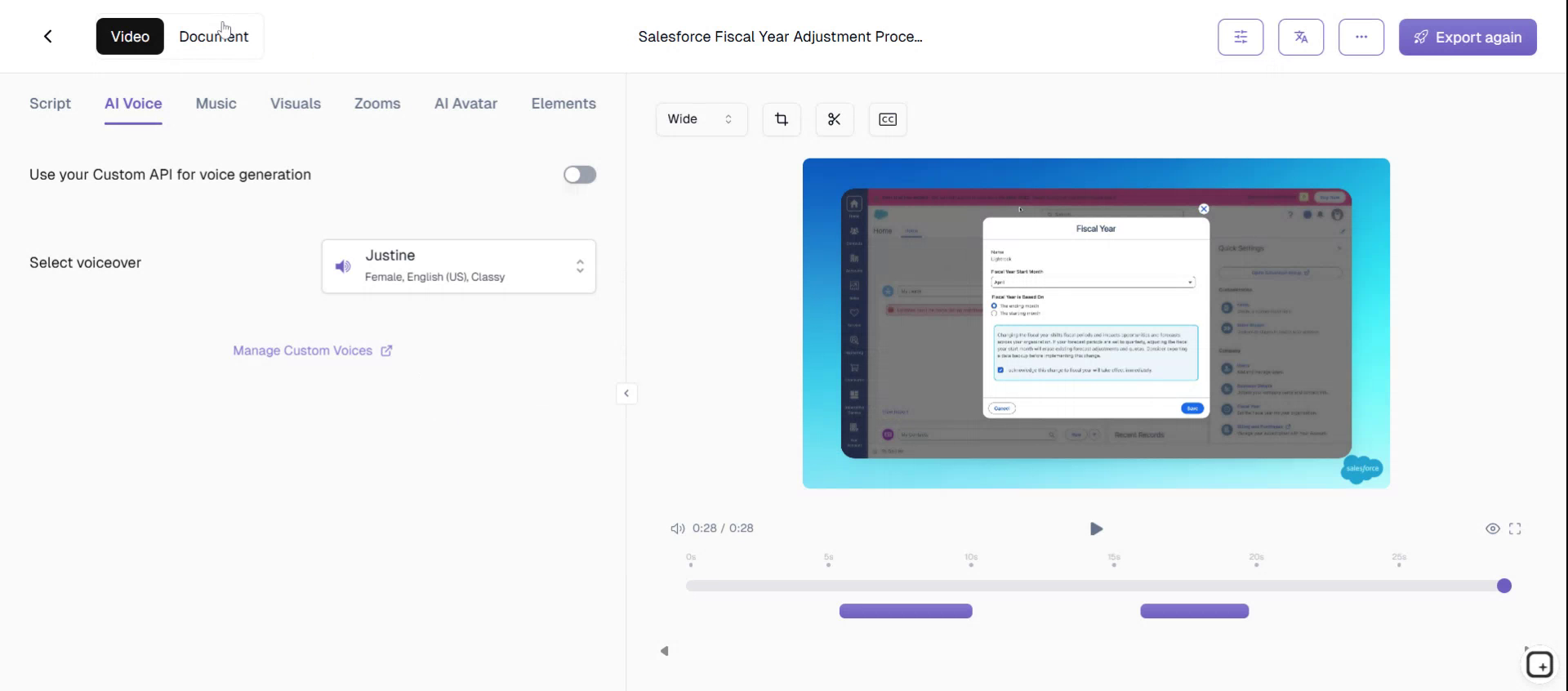
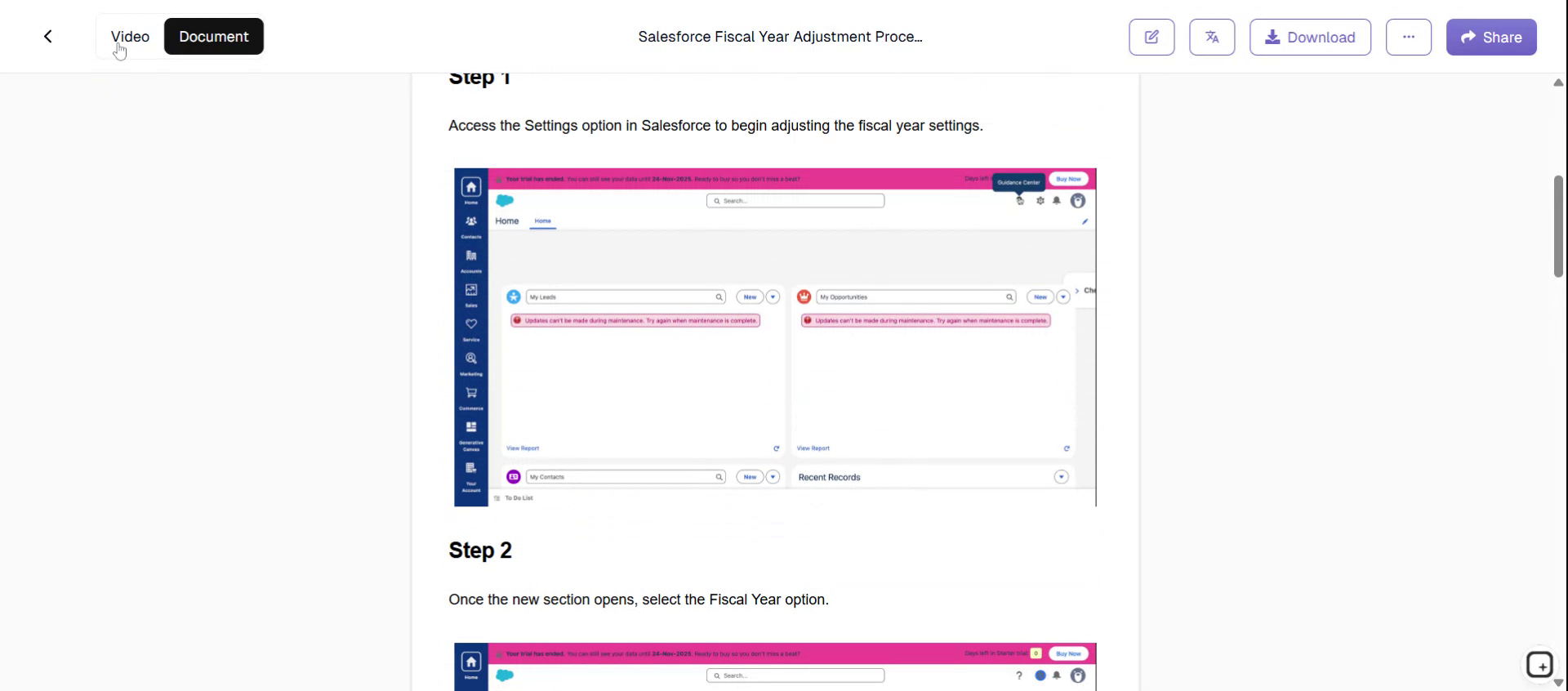
Tropea assists in creating detailed documentation by providing an outline of the step-by-step process.
Step 10#
Develop clear messaging and create stunning professional videos with Tropea. This tool allows for the creation of endless product marketing assets without the need for re-recording.
Step 11#
Tropea helps create endless product marketing assets without requiring re-recording, optimizing your content creation process.