Configuring Fiscal Year in Salesforce#
This document provides a detailed walkthrough on configuring the fiscal year settings in Salesforce. The steps outlined will assist users in adjusting these settings to align with organizational requirements.
Step 1#
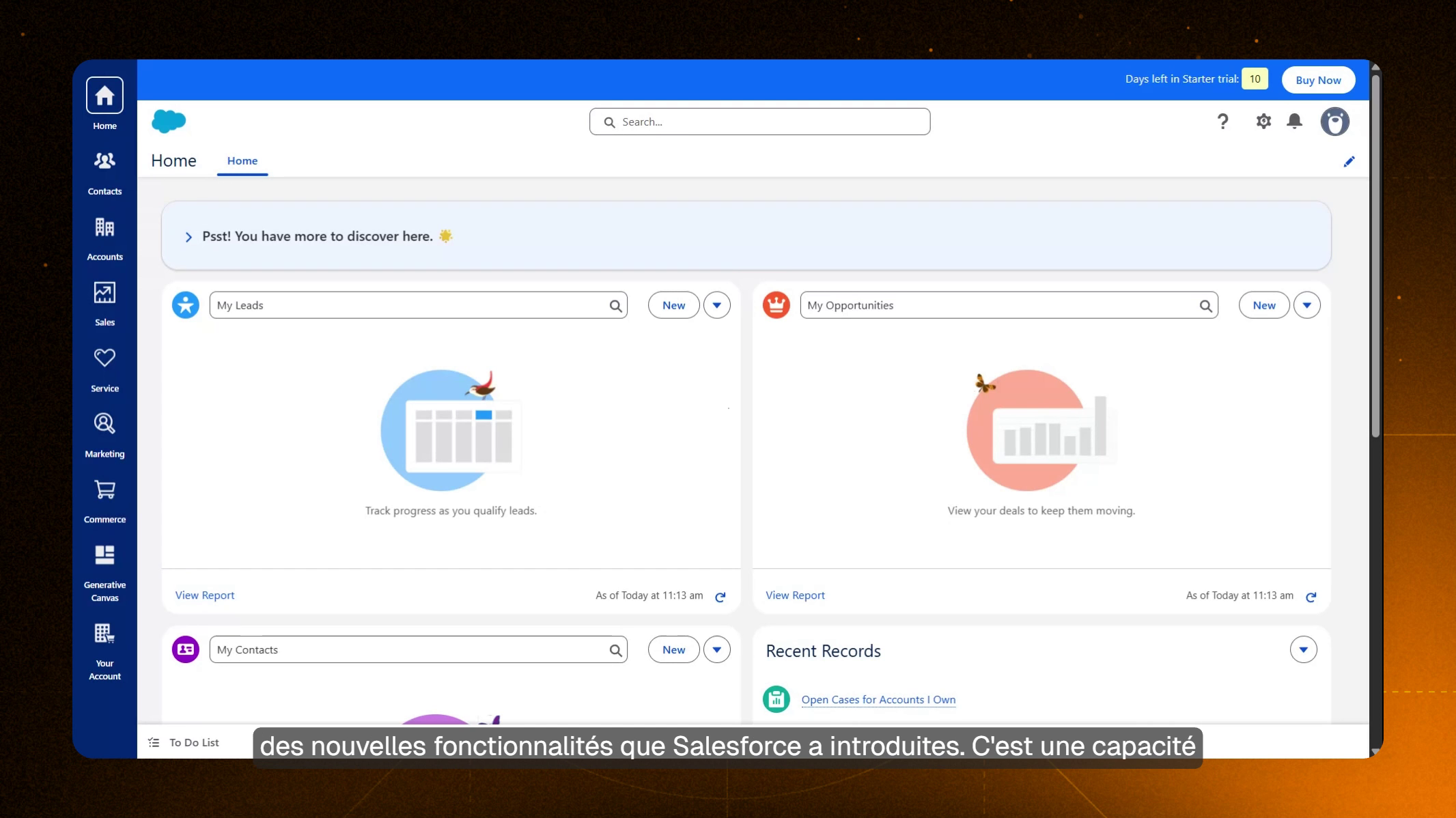
Greetings to the team at Bureau Veritas. I hope this message finds you well. Today, we will explore one of the innovative features introduced by Salesforce.
Step 2#
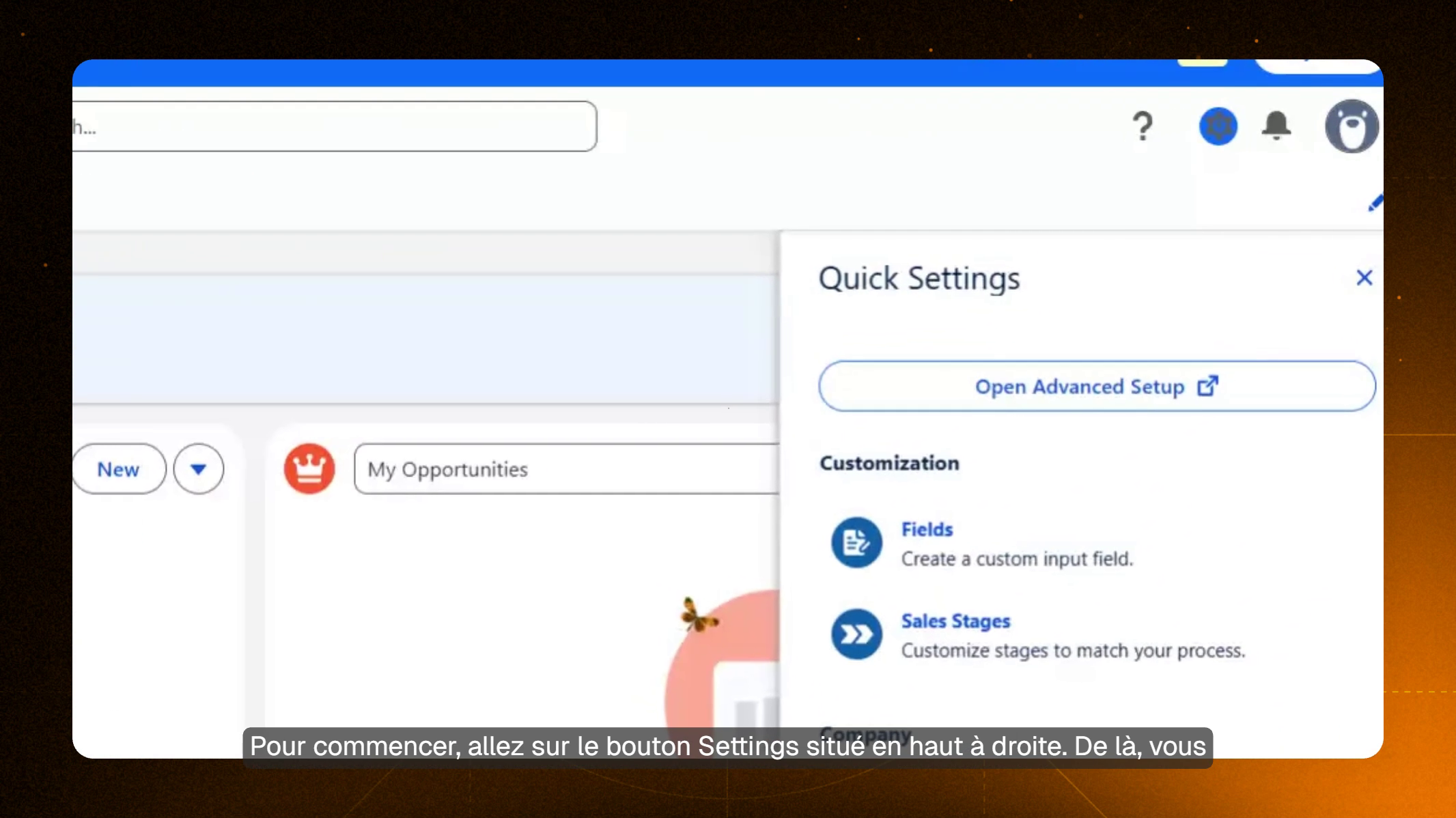
This exciting functionality allows for the customization of fiscal year parameters within the platform. To begin, navigate to the Settings button located at the top right corner of the screen.
Step 3#
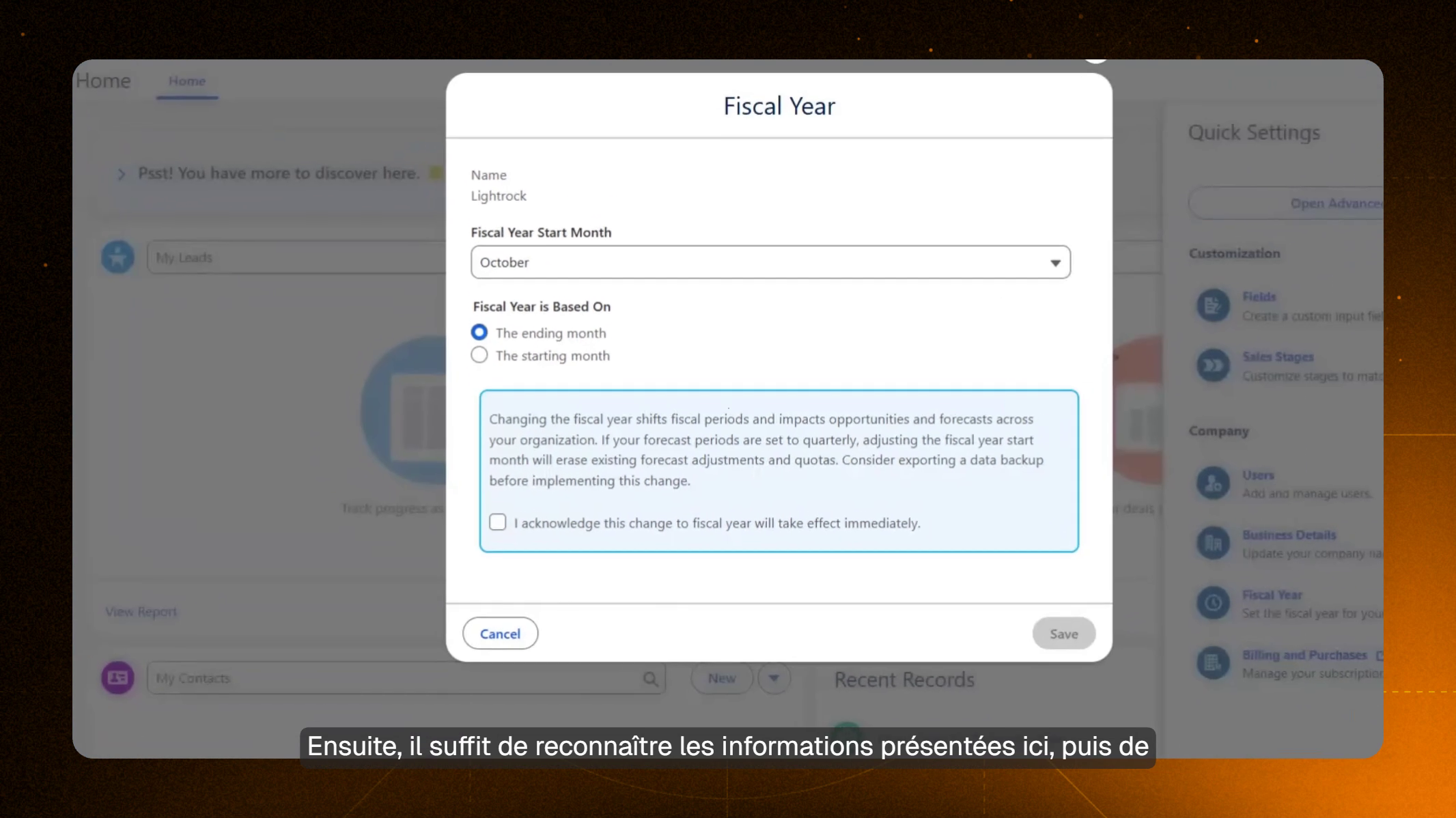
From there, select the "Fiscal Year" option. Upon selection, a pop-up window will appear. Given that our organization is based in the United States with a fiscal year commencing in October, you should choose October as the start month.
Step 4#
Finally, review the information presented, then click on the Save button. This action will successfully update the fiscal year settings for your account.